
How to place an advert in the government gazette: a practical guide
A clear, step-by-step guide for readers of Duxbury News on how to place an advert in the government gazette, with options, pitfalls, and tips for reliability.

Readers often need official notices to reach residents and businesses. This guide shows how to place an advert in the government gazette by outlining the process, required documents, and typical timelines. You’ll learn where to start, what information to prepare, and how to avoid common delays.
Preparing an advert begins with understanding the notice type and publication scope. This piece walks through the steps from eligibility to submission, with practical checks along the way. It also covers alternative channels that can complement gazette notices.
If you plan to advertise in Blackpool or another locality, this guide helps you choose the right format and submission method. It notes typical verification steps and how to track progress until publication.
- Identify the correct gazette format and notice type. Prepare precise wording, dates, and identifiers. Submit through the official channel and track status.
- Keep documents ready, select the appropriate notice format, and monitor for proofs or edits. Respond quickly to staff requests to avoid delays.
- Use online portals when available, save receipts, and verify the final public notice date. Consider combining with other local channels for wider reach.
- Be aware of rules around accuracy, accuracy, and public interest. Avoid sensational language and ensure the notice serves the public correctly.
Basics of gazette advertising
Why notices appear in gazettes
Gazette notices are official communications used to inform the public about legal or administrative actions. They provide a formal record that protects stakeholders and ensures transparency. For readers, this means notices are reliable sources for local changes and public procedures. place an advert in Blackpool
- Confirm the notice category and eligible content
- Prepare exact text and required details
- Submit through the official channel and attach documents
- Confirm receipt and monitor publication status
Gazettes set a baseline for public notice requirements, including who must advertise and what information is needed. Understanding this helps avoid rejected submissions and delays. It also clarifies expected publication timelines.
The role of the gazette is to create a verifiable trail of notices, which supports accountability. If you’re a business or resident, knowing the process helps you respond quickly to actions like tenders or regulatory changes.
- Identify notice type (legal, financial, procedural)
- Gather required identifiers (entity name, addresses)
- Check publication rules and deadlines
- Prepare a draft that matches the notice format
How the process usually unfolds
Most gazettes have a fixed intake period and an online submission form. After you submit, staff review for jurisdiction, accuracy, and completeness. You may receive requests for edits before the notice goes live.
Publish timelines vary by jurisdiction, but you can expect a verification step, a proof notification, and a final publication date. Plan for potential delays if quotes or approvals are missing.
Final publication appears in the next available issue or on a published schedule. Keeping track through the submission portal helps you stay informed about status and any required follow-ups.
- Submit early within the notice window
- Respond promptly to review requests
- Keep a record of submission IDs
- Verify the final publication date
What you’ll need to prepare
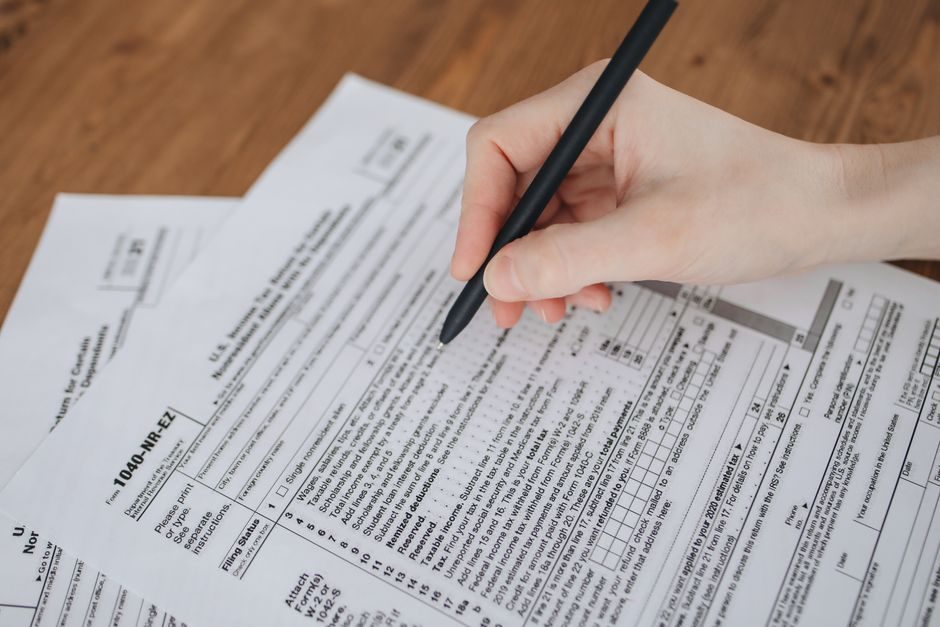
Documents and details to gather
You’ll need official identifiers like the entity name, registration numbers, and precise addresses. Include contact details for the responsible officer and a short description of the notice. Ensure all data matches what the gazette requires to avoid rejection. A useful resource on this topic: blackpoolwire.co.uk.
Double-check that dates, amounts, and legal references are accurate. Small errors can trigger delays or demand a resubmission. It helps to have a colleague review the draft for clarity and consistency.
Keep a copy of the final draft and confirmation receipts. A paper trail matters if there are questions later or if you need to verify publication for audits or inquiries.
- Entity name and registration
- Notice type and scope
- Exact dates and figures
- Contact details for inquiries
- Draft review and confirmation
Choosing the right channel within the gazette
Some gazettes offer several notice formats, such as short notices for routine updates and longer notices for legal actions. Match the format to the notice’s audience and impact. A concise notice is often clearer for readers.
Consider whether you need additional notices or a public notice under a different section. Cross-referencing related notices can improve visibility and reduce confusion for readers.
If the gazette allows supplemental materials, you can attach diagrams or links to related documents. These extras should be relevant and clearly explained in the notice body.
- Short vs long notice options
- Audience considerations
- Cross-referencing related notices
- Use of supplemental materials
Submitting through official channels
Where to submit and what to expect
Most jurisdictions provide an online form or a physical submission route. Check the designated department’s webpage for file formats, size limits, and submission windows. Online portals usually provide a receipt and tracking number. submit an event in Blackpool
- ☐ Open the official portal
- ☐ Enter approved notice text
- ☐ Attach required documents
- ☐ Submit and note the receipt number
Prepare to upload documents in the required formats and to enter exact wording as approved. Any deviation can trigger a rejection and require resubmission.
After submission, monitor the status through the portal and respond quickly to any edit requests or clarifications from staff.
- Use the official submission portal
- Record your submission ID
- Follow up on status updates
- Respond to requests promptly
| Notice type | Best use | Typical impact |
|---|---|---|
| Short notice | Urgent updates; brief information | Faster publication; limited details |
| Long notice | Legal actions requiring detail | Clear, comprehensive wording |
| Legal notice | Regulatory actions; formal language | High credibility; stricter format |
Validation and proofs you might receive
You may receive a proof copy or a confirmation page. Review the proof carefully for spelling, numbers, and formatting before final approval. Any mistake in proof can cause misinterpretation or legal issues.
If you spot an error, alert staff immediately and supply corrected versions. Do not assume a later issue fixes the problem; timely correction saves time.
Keep electronic records of all proofs and confirmations for future reference and accountability.
- Review the proof for accuracy
- Provide corrections promptly
- Save all confirmations and proofs
- Use the final version for records
Compare standard sizes offered by gazette printers and note any constraints on layout or typography.
Choosing advert size and placement

Determining visible space and needs
Start by identifying the most important information and the audience you want to reach. Consider whether a small notice or a full-page advertisement best serves your message. This decision affects both readability and cost, so map out priorities before contacting vendors. promote your business in Blackpool
- Define the goal of the advert and the audience you want to reach.
- Choose a size that balances readability with budget constraints.
Compare standard sizes offered by gazette printers and note any constraints on layout or typography. Prepare a rough draft that shows where text and images will sit within the chosen space, so you can assess impact. Having a sample helps avoid last-minute changes that delay publication.
Finalize dimensions with the gazette office and confirm whether margins, bleed, or color rules apply. Ensure your content stays within safety margins to prevent clipping in printing. A precise spec list reduces back-and-forth and speeds up the approval process.
- Start with a clear objective for the advert
- Choose a size that fits your message
- Check color and image constraints
- Request a ready-to-review proof
- Confirm any on-sale deadlines
Costs and timelines
Budgeting for government gazette notices
Costs can vary based on size, placement, and whether the notice is public or restricted. Budget for both the entry fee and any design or proofing charges. Understanding this helps prevent unexpected expenses. Blackpool obituaries
Ask for a written quote that itemizes space, type, and any extra services. Compare quotes from multiple gazette offices if possible to gauge typical ranges. This helps you forecast total time and money before you commit.
Plan for review and approval steps, which may extend timelines. Build in a buffer for amendments requested by editors or legal teams. A realistic timetable helps you align your message with other communications.
- Obtain a written price quote
- Ask about design and proof fees
- Check whether rush options exist
- Verify publication window
- Account for potential amendments
Legal and ethical considerations
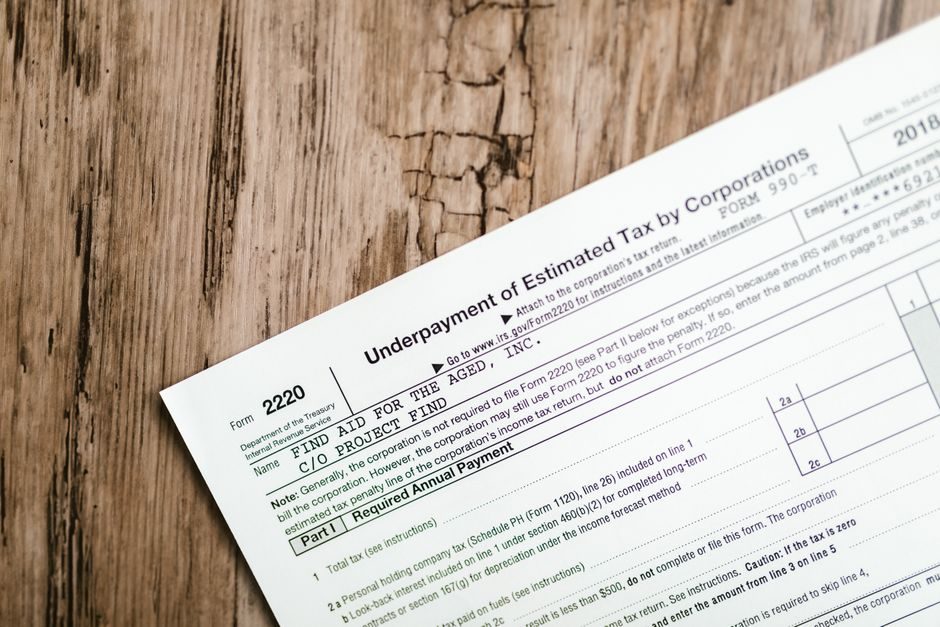
Compliance and public notice rules
Gazette ads must follow legal requirements and accuracy standards. Misstatements or vague language can lead to corrections or legal challenges. Ensure your content reflects verifiable facts and avoids defamatory claims.
Review the language for clarity and precision, avoiding sensationalism. Where needed, include dates, locations, and official identifiers that support legitimacy. Clear attribution reduces confusion and risk.
Coordinate with your organization’s legal or compliance team to sign off on the notice before submission. This step helps prevent oversights that could delay publication or lead to penalties.
- Follow official formatting rules
- Avoid unverified statements
- Involve compliance staff early
- Double-check dates and identifiers
- Maintain a clear, factual tone
Alternatives to gazette notices
Other channels for official notices
Many organizations use online portals, government websites, or local newspapers for public notices. These channels can complement gazette adverts by reaching different audiences. Consider cross-posting essential information where appropriate.
Evaluate the reach, cost, and verification needs of each channel. If you rely on a single outlet, you may miss portions of the intended readership. A mixed approach often yields broader coverage.
Plan for consistency across channels so the public sees the same details in parallel contexts.
- Assess multiple channels
- Coordinate message timing
- Keep consistent details across outlets
- Monitor responses and engagement
- Budget for cross-posting
Frequently asked questions
What is the primary purpose of a gazette advert, and who reads it?Gazette notices convey official actions, legal requirements, or public information. Readers range from professionals and businesses to residents checking compliance or opportunities.
How long does publication typically take from submission to print?Timelines vary by office, but expect a review period, proofing, and final confirmation. Plan for several business days of processing and potential edits.
Can notices be submitted electronically, and what formats are required?Most offices accept digital submissions in specified formats with clear typography. Verify if proofs are provided and whether edits require re-submission.
Are there restrictions on the content of gazette notices?Notices should reflect factual information with verifiable claims. Avoid defamatory statements, excessive promotion, or unsubstantiated assertions.
Conclusion
Takeaway: plan your advert with clear objectives, select an appropriate size, and establish a realistic timeline. This reduces delays and errors during submission so the notice appears as intended.
Takeaway: verify all facts, coordinate with legal or compliance teams, and submit through official channels to ensure the notice is publicly credible and legally sound.
Add Duxbury MA News as a preferred source on Google


